


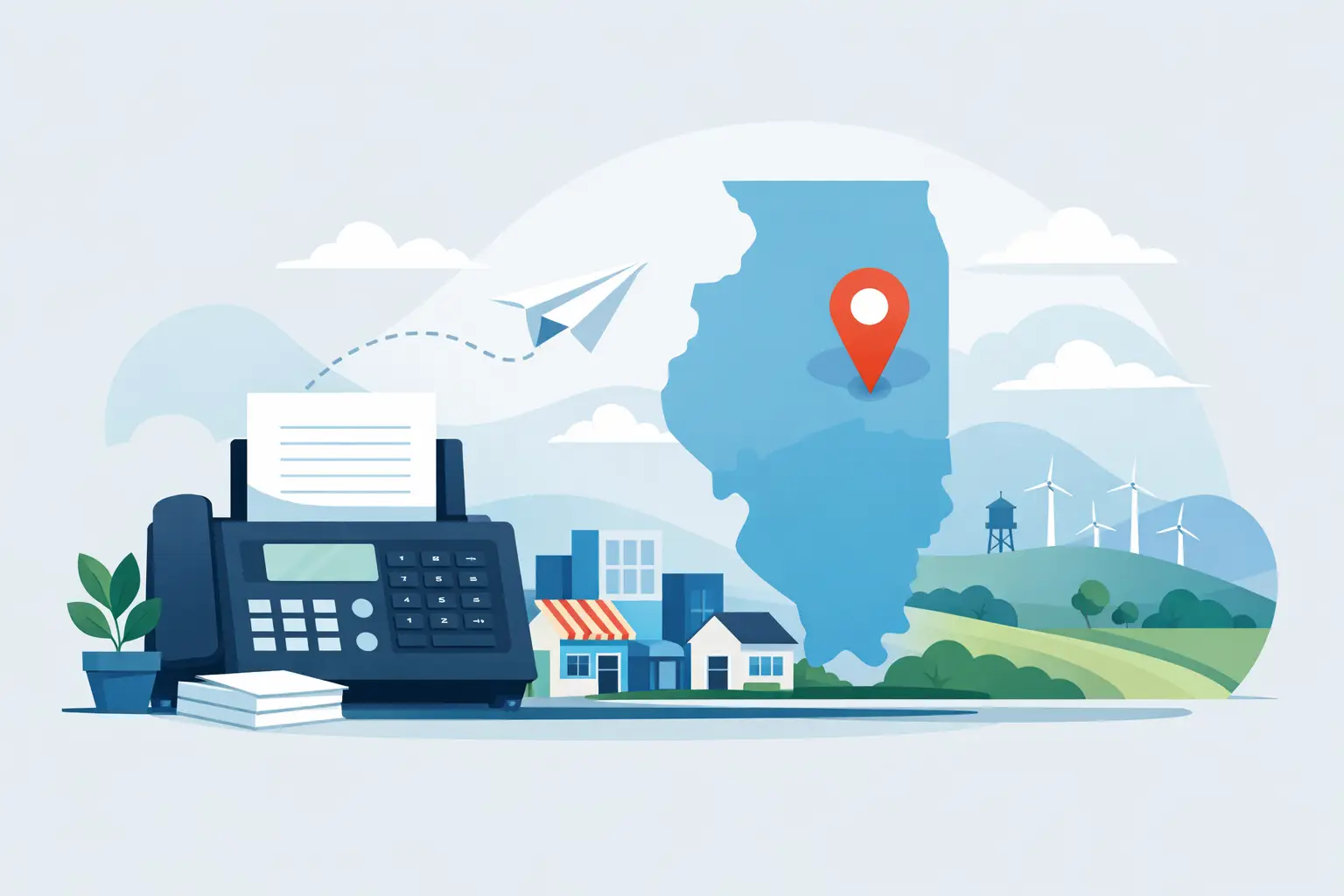
A fax machine can feel like a relic until a doctor’s office, employer, school, court, insurance company, or bank asks for one. Then the question becomes urgent: where can I fax documents without buying a machine, guessing at the process, or worrying whether the pages actually arrived?
For Manteno-area residents, a local print and service counter is often the easiest answer. You can bring in the paperwork, get help entering the number, and leave with confirmation that the transmission was sent. That little confirmation page can be worth far more than the convenience of trying to make an app work from a phone at the last minute.
Where Can I Fax Documents Locally?
Look for businesses that offer printing and document services, shipping centers, office supply stores, and some libraries. Availability varies, especially at smaller locations, so calling ahead can save a trip. Ask whether the location can send outgoing faxes, receive incoming faxes, or both. Those are different services, and not every fax counter handles both.
A neighborhood service shop is a particularly useful choice when you need a person to look over the basics with you. Maybe the number on your form is hard to read. Maybe you have several pages that need to stay in order. Maybe you are sending a time-sensitive application and want a transmission receipt before you leave. A face-to-face option makes those everyday document tasks feel much less stressful.
Liquid Books in Manteno offers fax services alongside printing, shipping support, and other practical services. It is a convenient stop when your errand list includes more than paperwork – pick up prints, send a fax, pack a package, then browse for a reader favorite or a hidden gem on the shelves.
Before You Send a Fax, Get the Details Right
Faxing is straightforward, but small errors can send private paperwork to the wrong place or delay an important request. Take a minute to prepare before you head out.
First, confirm the recipient’s fax number directly from the organization or the current form. Do not rely on an old contact list if the document is urgent. Many offices have separate fax lines for billing, medical records, applications, and general correspondence. Sending your pages to the right department matters just as much as using the right organization.
Next, put your pages in the intended order. If a page is double-sided, remember that most fax machines scan one side at a time. You may need to copy both sides before faxing so nothing gets missed. Remove staples, paper clips, and sticky notes, and make sure handwriting is dark enough to scan clearly.
A cover sheet is helpful for business, medical, legal, and school-related documents. It should include your name, the recipient’s name or department, your phone number, the date, the total number of pages, and a short note about what you are sending. It also gives the recipient a quick way to spot a missing page.
For a smooth visit, bring these four things:
- The complete document set, already checked for missing pages
- The recipient’s full fax number and department name
- A cover sheet or the information needed to create one
- Payment and a phone number where you can be reached
That preparation takes only a few minutes, but it can prevent a second trip across town.
Keep a Copy of What You Send
The best habit is simple: keep a copy of every faxed page and the transmission confirmation. The confirmation shows that the machine successfully connected and transmitted the pages to the entered number. It does not always prove that a person reviewed the documents, so follow up with the recipient if the deadline is tight or the paperwork is especially important.
For job applications, insurance claims, legal forms, and medical paperwork, write down the date and time you sent the fax. If the receiving office says it cannot find your documents, those details make it easier to track down what happened.
Faxing Sensitive Documents: Privacy Comes First
People still use fax because many organizations accept it for records that should not be sent through casual email. But a fax is only as private as the number and destination you choose. A wrong digit can send personal information to the wrong office.
Before sending documents containing Social Security numbers, health information, bank details, tax records, or identification, verify the fax number with the recipient. Ask whether they have a preferred cover sheet or any special instructions. If you are at a public service counter, stay nearby while the pages are scanned and collect every original when the job is finished.
It also helps to think about whether every page is necessary. If an organization only needs the signature page, proof of address, or a specific form, avoid sending extra material that contains personal details. Sending less is often safer and faster.
If privacy is a major concern, ask the recipient whether there is a secure upload portal, encrypted email option, or in-person delivery method that better fits the situation. Faxing remains useful, but it is not automatically the best choice for every document.
How Much Does It Cost to Fax Documents?
Fax pricing usually depends on the number of pages, whether the destination is local, long distance, or international, and whether you need extra copies or a cover sheet. A short local fax may cost only a few dollars, while a large packet or international transmission can cost more.
Ask for the price before the fax is sent, especially when you have a long document. If your packet is 30 pages, it may be worth asking whether the recipient can accept a scanned PDF through another approved method. On the other hand, a short fax can be the quickest way to meet a same-day request without setting up an account or downloading software.
Remember that a failed transmission can occasionally require another attempt. Clear, flat pages and a confirmed number reduce the chance of that happening. If you are sending something time-sensitive, leave room in your schedule for a retry or a follow-up call.
When a Local Fax Counter Is Better Than an Online Fax App
Online fax services can work well if you regularly send PDFs from a computer and are comfortable managing files, account settings, and payment details. They are handy for remote work and recurring business needs. But they are not always the simplest solution.
A local fax counter makes sense when you only need to send a document once, have paper originals, need help with copies, or want proof of transmission in hand. It is also useful when a form needs printing, signing, copying, and faxing in one visit. Instead of juggling a phone camera, a PDF converter, and a subscription prompt, you can handle the task with a real person nearby.
For small-business owners, local services can be especially helpful during busy weeks. You may need to fax a vendor form, print invoices, ship an order, and get back to work without turning your office into a copy center. The right neighborhood stop gives you practical help without a long drive or a complicated setup.
A Quick Check Before You Leave
Once the fax is complete, make sure you have your originals, your confirmation page, and any copies you need for your records. Look at the confirmation before leaving to ensure the number matches the one you intended to use and that the transmission status shows success.
If the document has a deadline, call the recipient after a reasonable amount of time to confirm it was received and routed to the correct person. That extra step is useful for applications, medical forms, and anything connected to a payment, benefit, or legal requirement.
Paperwork may not be anyone’s idea of a great afternoon, but it does not have to become a major project. Bring the right pages, double-check the number, and let a friendly local service counter help you send it with confidence – then make room for something more enjoyable, like discovering your next good read.
 Previous Post
 Next Post