


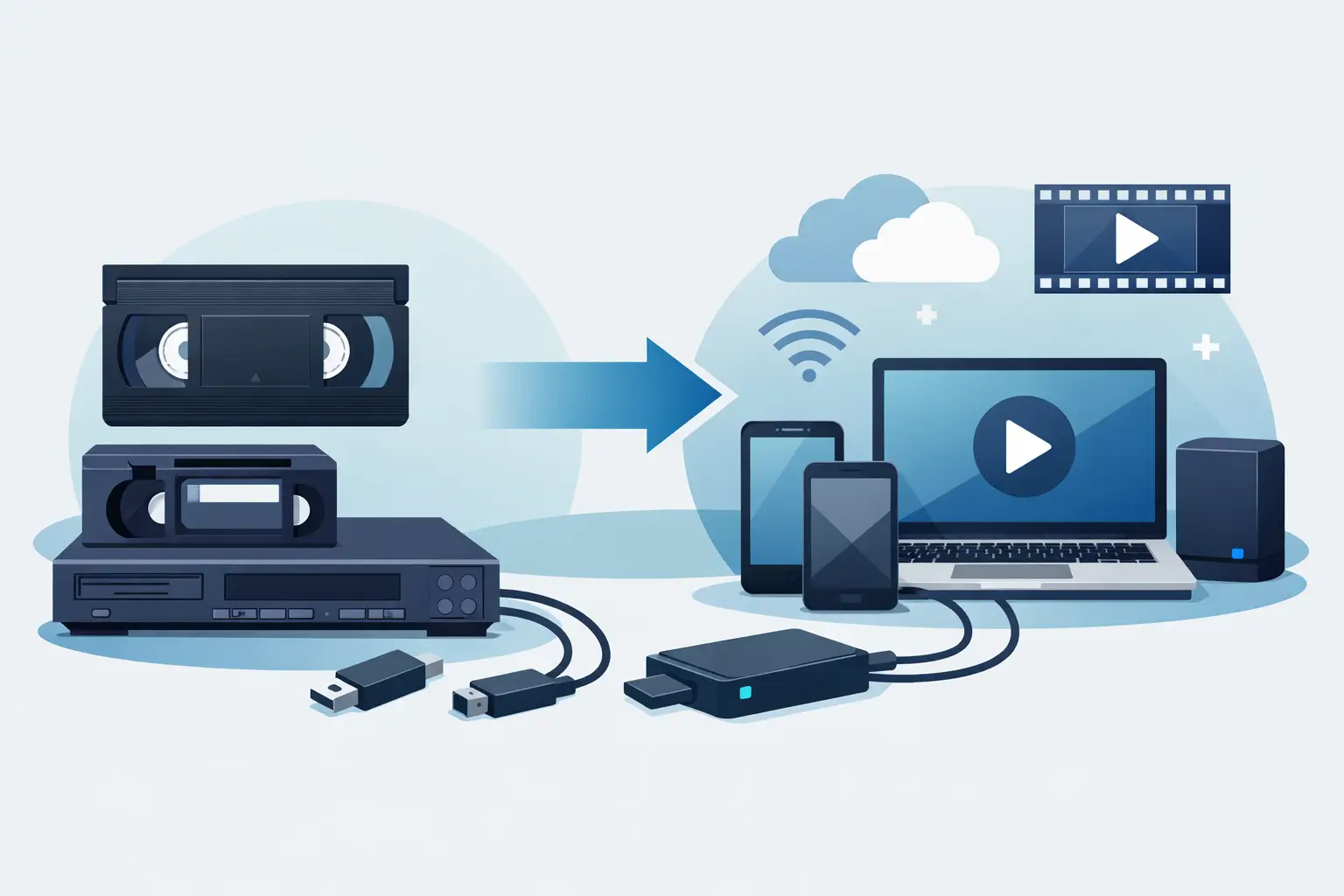
That box of VHS tapes in the closet may hold birthday parties, school plays, holiday mornings, and voices you have not heard in years. To convert VHS tapes to digital is not just a tech project. It is a practical way to keep those memories watchable before aging tape, worn players, and fading picture quality make them harder to enjoy.
VHS was built for repeat viewing, not for decades of storage. The good news is that you do not need to be a video expert to preserve what is on your tapes. You simply need a plan, the right equipment or local help, and enough time to treat each recording with care.
Why convert VHS tapes to digital now?
Magnetic videotape does not last forever. Heat, humidity, dust, and repeated playback can all affect the tape inside a VHS cassette. Even a tape that looks fine on the shelf may have weaker color, tracking lines, muffled audio, or moments where the picture drops out.
The other issue is the player. Working VCRs are becoming less common, and a machine with worn heads can damage a fragile tape. Converting your recordings while you still have access to a dependable VCR gives you more control over the result.
Digital copies are also easier to share. Instead of passing one tape around the family, you can keep a master file, make backup copies, and send a favorite clip to relatives. A long-forgotten home movie can become a new family tradition at the next reunion.
Before you start: sort, label, and inspect
A little organization saves plenty of frustration later. Set your tapes on a clean, dry table and make a simple inventory. Write down the label, the approximate date, and anything you remember about the recording. If several tapes say something vague like “Christmas” or “Kids,” add a number so you can match the digital file to the correct cassette.
Inspect each tape before playing it. Look for cracked shells, mold, loose tape, or labels that are peeling into the cassette. Do not put a moldy tape into your VCR. Mold can spread to the machine and other tapes, and badly damaged cassettes may need professional attention.
If a tape has been stored in a cold garage, hot attic, or damp basement, let it sit indoors for a day before playback. Sudden temperature changes can create condensation, which is never helpful around tape or electronics.
Choose the right way to digitize VHS
There are two sensible paths: convert tapes yourself or use a local conversion service. The best choice depends on how many tapes you have, how comfortable you are with technology, and how much time you can spare.
A do-it-yourself setup
For a home conversion, you generally need a working VCR, a computer, a USB video capture device, and the correct RCA or S-Video cables. The VCR plays the tape, the capture device sends the video signal to your computer, and recording software creates the digital file.
This can be a good option if you have a sizable collection and want to work through it over time. It also lets you pause and label files as you go. The trade-off is that real-time recording takes real time. A two-hour tape takes about two hours to capture, plus time to review, save, and back up the file.
Avoid the temptation to buy the cheapest untested VCR you can find. A machine that chews tape, has poor tracking, or produces a noisy image can create more problems than it solves. Test the VCR with a tape that is not precious before using a one-of-a-kind family recording.
A local conversion service
A local service is often the easier choice for a small number of irreplaceable tapes, especially if you do not own a VCR or would rather skip the cables and software. Bring in your tapes with clear labels and let the staff know which recordings matter most. That helps keep special items organized from the start.
At Liquid Books, digital conversion is one of the practical neighborhood services available alongside printing, shipping, and all the used-media discoveries on the shelves. It is a convenient option when you want face-to-face help and a clear place to bring those old recordings.
How to convert VHS tapes to digital at home
Once your equipment is ready, the process is straightforward, but patience matters. Follow the instructions that came with your capture device and software, since menus and connection types vary.
First, connect the VCR’s video and audio outputs to the capture device. Standard composite connections usually use a yellow plug for video and red and white plugs for audio. If both your VCR and capture device support S-Video, it may provide a cleaner image, though the original tape still sets the limit on quality.
Next, connect the capture device to your computer and open the recording software. Select the device as the video and audio source. Insert the VHS tape, rewind it if needed, and play a short section while watching the preview. Adjust tracking on the VCR if the image has horizontal lines or jitters.
When the preview looks as good as it can, start recording in the software and press play on the VCR. Stay nearby for the first few minutes. You want to confirm that sound is recording, the picture is stable, and the tape is moving normally. For valuable tapes, it is smart to check in periodically rather than leaving the process unattended.
When the recording ends, stop the software and play back a few spots in the finished file. Check the beginning, middle, and end. Make sure the audio stays in sync and that no section was accidentally missed.
Pick file formats that will still be useful
For most family VHS recordings, MP4 is the practical choice. It creates manageable files that work on many computers, TVs, phones, and media players. A file saved in MOV or AVI may also be fine, but it can be larger or less convenient to share.
Do not expect a VHS tape to look like modern high-definition video. Trying to force an old recording into an oversized format does not add detail that was never there. A clean, properly captured standard-definition file is usually the best preservation copy.
Name files so they make sense years from now. “Grandma Birthday 1998” is better than “Video 003.” If you know the people, place, or event, include those details. Future family members will be glad you did.
Back up the memories after conversion
A digital file is safer than a single VHS tape only if you store it wisely. Keep at least two copies in different places, such as an external hard drive and a separate storage account or drive kept elsewhere. If your computer fails, you should not have to start over.
Keep the original tape, too, at least until you have checked the digital copy carefully. Store it upright in a cool, dry place away from direct sunlight, magnets, and extreme temperatures. The tape may not be your everyday viewing copy anymore, but it is still the original source.
Common questions about VHS conversion
Can I convert VHS tapes with copyrighted movies?
If a tape contains a commercially released movie or TV program, making copies may be restricted by copyright law and copy-protection technology. Focus your conversion project on home movies, personal recordings, and material you have the right to preserve.
What if my VHS tape will not play?
Do not force it. Eject the tape if possible and inspect the cassette for visible damage. A tape that sticks, squeals, or repeatedly stops may need cleaning or specialized repair. Continuing to play it in a struggling VCR can damage both the cassette and the machine.
Should I edit out blank sections?
You can, especially when making a shareable version for family. Still, consider saving an unedited master file first. Small details that seem unimportant now, including a few seconds of conversation before an event begins, can become meaningful later.
How long will digital VHS files last?
The files themselves can last indefinitely if you maintain copies and move them to current storage as technology changes. Preservation is not a one-time task. Every few years, check that your files still open and that your backup drive is healthy.
A VHS tape can sit quietly for years, but the memories on it deserve more than a place in storage. Label what you have, choose the conversion route that fits your household, and give those family moments a chance to be watched, shared, and remembered again.
 Previous Post