


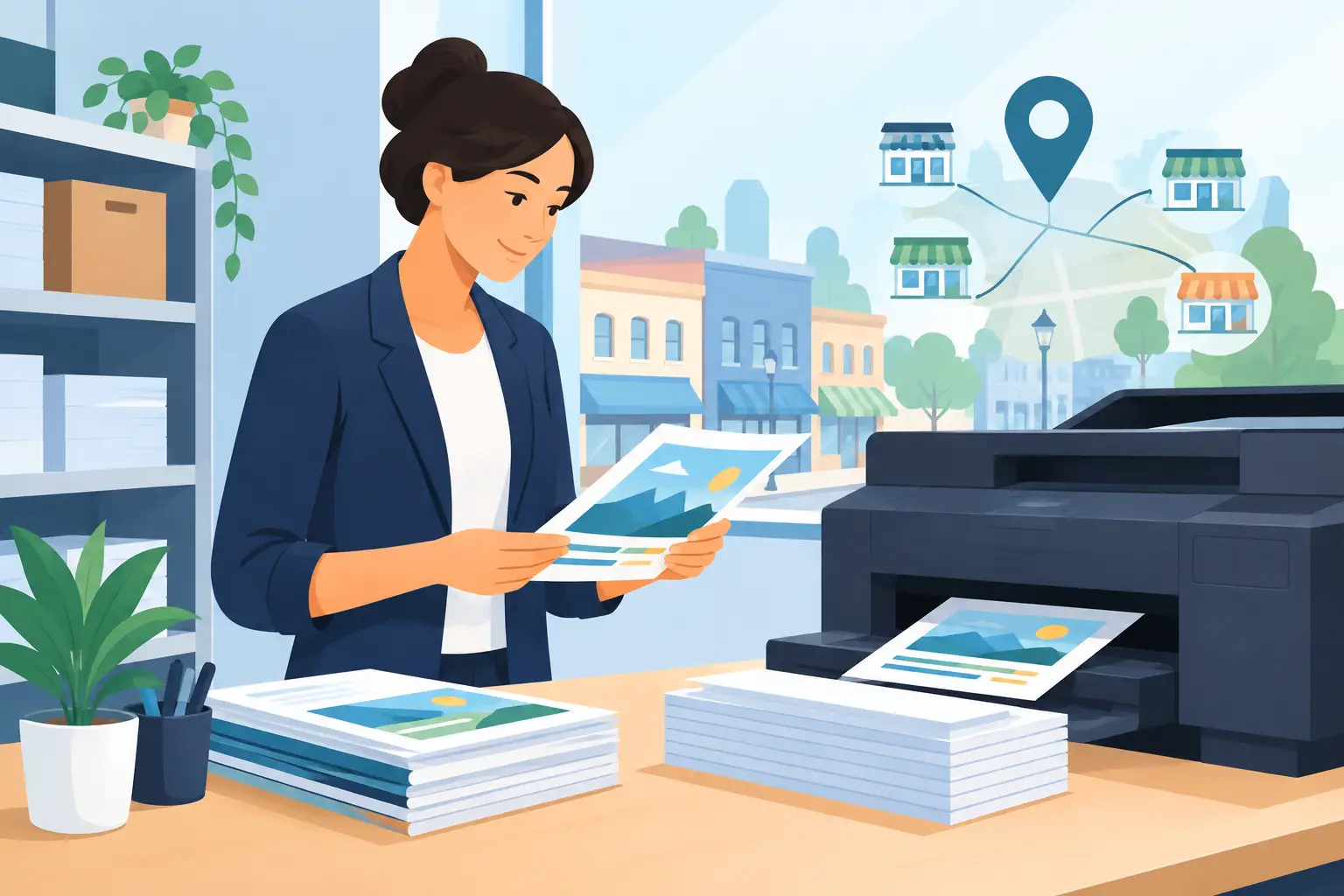
A stack of forms, a last-minute presentation, menus for a new special, flyers for a weekend sale – business printing often becomes urgent right when your team is already busy. For small businesses in Manteno and across Kankakee County, having a local place to print means less time troubleshooting equipment and more time serving customers.
The best print job is not always the biggest or flashiest one. It is the one that is easy to read, looks intentional, arrives when you need it, and fits the purpose. A clean black-and-white packet may be exactly right for training materials. A full-color postcard may be worth the extra attention for an event or promotion. Knowing the difference helps every print dollar go further.
Business Printing Starts With the Job at Hand
Before choosing paper, color, or quantity, consider what the piece needs to do. Is it meant to be read quickly at a counter? Handed out at a community event? Filed away for reference? Posted on a bulletin board? A document’s job should guide its design and finish.
For internal paperwork, clarity and cost usually come first. Employee handbooks, meeting packets, invoices, work orders, and forms often work well in black and white on standard paper. If the document will be used repeatedly, a heavier stock, stapling, or protective finishing can make it easier to handle.
Customer-facing materials have a different role. A price list, service menu, rack card, coupon, or event flyer represents your business before anyone starts a conversation. Crisp text, balanced spacing, and a readable layout matter more than filling every inch of the page. Color can help direct attention, but it should support the message rather than compete with it.
Small runs are especially useful for local businesses. You do not need to order hundreds of copies of a seasonal promotion that may change next month. Printing a practical quantity lets you update prices, dates, and offers without being stuck with outdated materials in a back room.
Choosing the Right Print Format
A good print project matches the format to the moment. Letter-size pages are familiar and flexible for most office needs. Half-page flyers are easy to hand out and convenient for quick announcements. Larger sheets can give schedules, maps, and notices room to breathe.
Color or black and white?
Color earns its place when it improves recognition or understanding. A logo, product photo, branded heading, or color-coded chart can make information easier to scan. It can also make an event announcement feel more inviting.
Black and white is often the practical choice for forms, contracts, instructions, drafts, and high-volume documents. It is clean, professional, and easier on a tight budget. If your file relies on colored text to communicate a key detail, check that it will still make sense in grayscale before printing.
One-sided or double-sided?
Double-sided printing saves paper and keeps longer documents compact. It works well for manuals, packets, newsletters, and informational handouts. But it is not always the answer. One-sided pages are easier to post, copy, annotate, and separate into individual forms.
Think about how people will use the finished piece. A double-sided menu makes sense at a table. A single-sided event flyer may make more sense on a storefront window or community board.
Paper matters more than people think
Standard paper is dependable for everyday documents. Heavier paper gives business cards, certificates, covers, signs, and promotional pieces a more substantial feel. Glossy paper can make photos and bright colors pop, while a matte finish can feel more understated and is often easier to write on.
There is no universal “best” paper. A contractor’s estimate, a bakery’s menu, and a school fundraiser flyer each call for a different balance of durability, appearance, and cost. If you are unsure, seeing a sample before committing to a larger run can prevent an expensive mismatch.
Make Your File Easy to Print
A little preparation can save time at the counter and prevent avoidable surprises. PDFs are usually a dependable choice because they preserve fonts, spacing, and page layout. If you are bringing a file created in a word-processing or design program, exporting it as a PDF is often a smart final step.
Check your document at full size before sending it over. Tiny type may look fine on a laptop but become difficult to read on paper. Photos pulled from social media or text messages can look fuzzy when enlarged. Margins also matter: text placed too close to the edge may need adjustment depending on the job.
For projects with full-page color or images that reach the edge, ask about the intended finish before designing around it. For simple documents, a standard layout is usually all you need. For promotional materials, a little extra planning makes a noticeable difference.
Bring clear instructions with your file: how many copies you need, whether you want color or black and white, one-sided or double-sided printing, and any finishing requests. If deadlines are tight, say so early. Face-to-face help is especially useful when a project has several pieces or a file needs a quick second look.
Printed Materials That Help Small Businesses Look Ready
Not every business needs a glossy catalog. Most need a handful of useful, current materials that make everyday interactions easier. The exact mix depends on the work you do, but these items tend to earn their keep:
- Service menus, price lists, and appointment information for customer questions
- Flyers, postcards, and coupons for sales, openings, and local events
- Forms, invoices, estimates, and checklists for daily operations
- Training packets, policies, and reference sheets for employees
- Signs, notices, and table displays for the counter, office, or event booth
Keep the message focused. A flyer should not try to explain your entire history. Give people the key offer, the date or deadline, and the next step. A form should not bury the fields people need to complete. Simple design is not plain design – it is design that respects someone’s time.
When Local Business Printing Makes Sense
Home and office printers are useful for quick copies, but they have limits. Ink runs low at the worst possible time. Paper jams happen. Color can vary from page to page, and a small machine may not be the right tool for a packet, presentation, or batch of promotional materials.
Local printing is a practical option when you need more copies than usual, want a cleaner finished look, need help choosing a format, or simply do not want to spend part of your afternoon feeding pages into a printer. It also gives you a real person to talk with when the project is not quite standard.
That kind of help matters for more than business owners. Community groups can use printed materials for fundraisers and meetings. Students may need polished project pages or resumes. Families may need forms, invitations, or documents copied and organized. A neighborhood print shop supports the ordinary tasks that keep a community moving.
At Liquid Books, printing is part of a practical mix of local services – alongside shipping support, faxing, graphic design, and more. That means you can handle a project, send a package, and browse for a reader favorite or hidden gem in one stop.
A Few Details That Make a Big Difference
Proofread names, phone numbers, dates, prices, and web addresses before printing. These small details are the ones customers rely on, and they are the hardest to ignore once a stack is finished. Have someone else read a customer-facing piece if possible. Fresh eyes catch missing words and confusing instructions quickly.
Order for the real audience, not the imaginary one. If you expect 40 people at a local event, printing 50 or 60 flyers may be wiser than printing 500. If a form changes regularly, keep the run short. On the other hand, stable materials such as basic information sheets or internal checklists may be worth printing in larger quantities.
Paper printing also creates a physical reminder that can stay on a desk, refrigerator, counter, or bulletin board. A well-made handout does not disappear beneath a crowded inbox. For local businesses built on repeat customers and familiar faces, that staying power still counts.
The next time a document, flyer, menu, or packet lands on your to-do list, start with its purpose and work outward. Bring the file, ask the practical questions, and let the finished piece do its job: make your business easier to understand, easier to remember, and ready for what comes next.
 Previous Post
 Next Post