


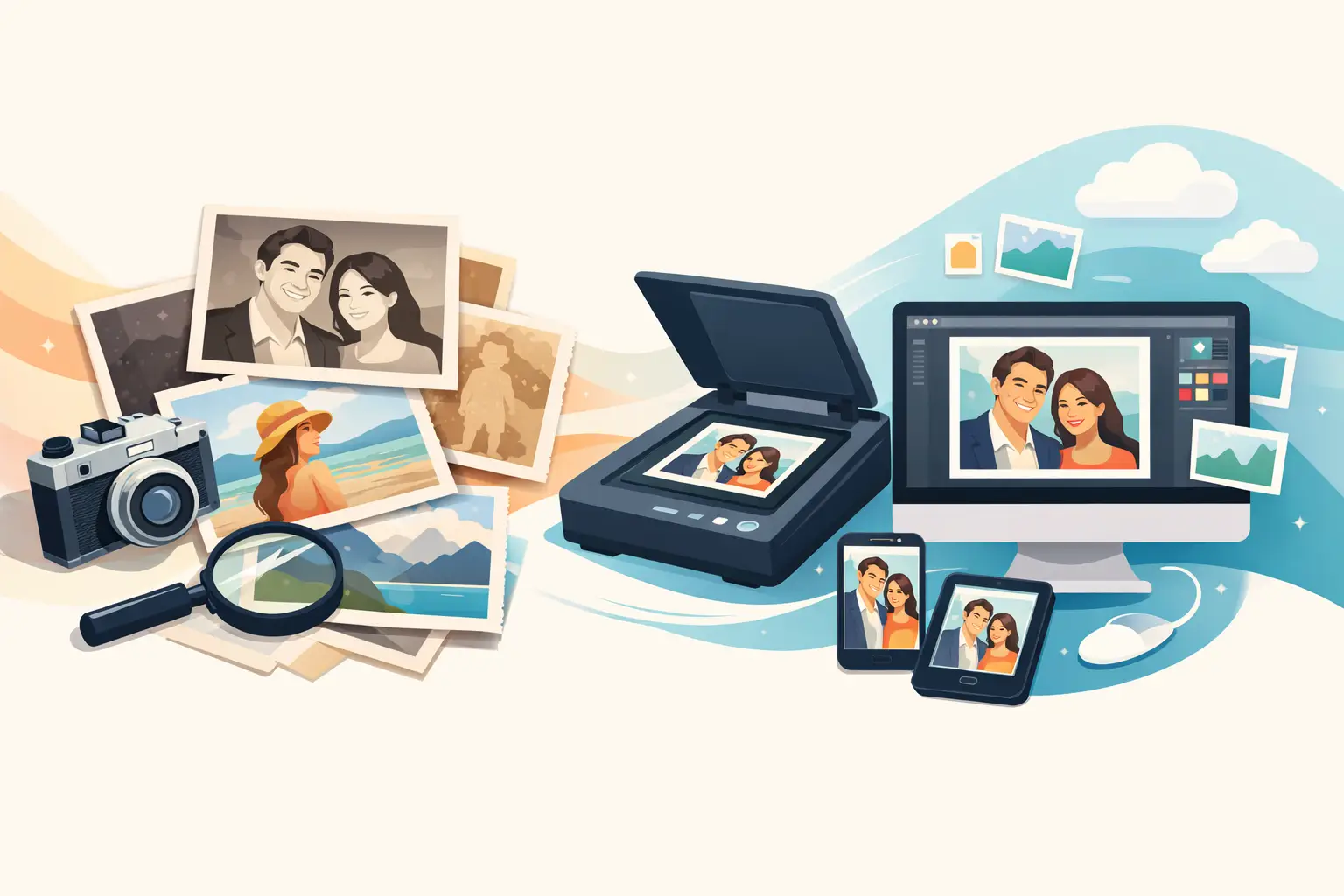
That shoebox of loose prints may hold more than old vacations and school portraits. It may contain the only copy of a grandparent’s wedding photo, a child’s first day of school, or a house that no longer stands. Can old photos be digitized? Absolutely. With the right preparation and scan settings, those paper memories can become easy to share, preserve, and enjoy without putting the originals through more wear.
Digitizing is not about replacing the real photo. A printed photograph has its own history: the handwriting on the back, the bent corner, the faded color, the way it was passed around at a kitchen table. Digital copies simply give that history a safer future. They let you send a photo to relatives, make a reprint, build a slideshow, or keep a backup if the original is damaged.
Can Old Photos Be Digitized Without Damaging Them?
Most old photos can be digitized safely, including loose prints, albums, postcards, Polaroids, and many small-format snapshots. The key is handling them gently and choosing a method that suits their condition.
A clean flatbed scanner is usually the best choice for standard photo prints. It keeps the image flat and provides consistent lighting, which makes it especially useful for family photos you want to preserve at higher quality. A phone camera can work well for quick sharing, particularly when using a scanning app or a bright, indirect light source. However, phone images can show glare, shadows, crooked edges, or uneven color if the setup is rushed.
Photos that are torn, curled, stuck in an album, or fragile need extra care. Do not force a photo free from an old album page. Do not try to flatten a severely curled print with heat or moisture. In those cases, photographing the item as it sits may be safer than scanning it. A good digital copy can often be lightly cropped or adjusted afterward, while the original remains untouched.
Slides and negatives can also be digitized, but they need a scanner or conversion service designed for film. A flatbed scanner made only for documents may capture a visible image, yet it usually will not produce the detail and color that film can hold.
Start With a Little Sorting
The scanning itself is only part of the project. The real challenge for many families is deciding what to scan first. A full lifetime of albums can feel overwhelming, so start with the photographs that would be hardest to replace.
Begin with a small, meaningful group: wedding pictures, baby photos, military service images, holiday gatherings, or photos of relatives whose stories you want to keep close. This creates a quick win and helps you settle on a workflow before taking on several boxes.
As you sort, keep photos away from food, drinks, and direct sunlight. Handle the edges when possible, and use a soft microfiber cloth to remove loose dust from the scanner glass. Skip household cleaners, tape, and aggressive rubbing on old prints. A little dust can be corrected in a digital file. A scratched or smudged original is much harder to fix.
If a photograph has names, dates, or a story written on the back, scan both sides. That note may be the detail that turns an unidentified face into a family memory with real context. It is also worth asking relatives what they know before the names and places are forgotten.
Choose Scan Settings That Leave Room for the Future
For everyday family snapshots, scanning at 600 dpi is a smart middle ground. It produces a detailed image suitable for sharing, viewing on screens, and making many reprints. For very small photos, postcards, or images you may want to enlarge, 1,200 dpi can be worthwhile. The files will be larger, but you will have more detail to work with later.
Save a high-quality master copy first. TIFF files are excellent for long-term preservation because they retain more image information, though they take up more storage space. JPEG files are smaller and easier to email or post, making them a practical copy for everyday use. Many people keep both: a master file for safekeeping and a JPEG for sharing.
Scan in color, even if the photo looks black and white. Older black-and-white prints can carry subtle tones in the paper, while faded color photos may benefit from later restoration. You can always create a black-and-white copy from a color scan. You cannot recover color information that was never captured.
Avoid letting automatic settings make every decision. Auto-crop and color correction can save time, but they occasionally cut off a border, change the warm tint of an older print, or brighten faces until they look unfamiliar. Check the first few scans closely before processing a large batch.
Keep the Files Easy to Find
A digitized photo collection is only useful if you can locate a picture when you need it. Random file names such as IMG_1048 tell you almost nothing six months later. A simple naming system makes a major difference.
Use a format that starts with the date when known, followed by the people or event. For example, `1978-07-Family-Picnic-Manteno` is much easier to search than `scan003`. If you do not know the exact date, use an estimate such as `circa-1950s-Grandma-Ruth-Portrait`.
Create folders by decade, family branch, event, or project – whichever system feels natural enough that you will actually maintain it. Consistency matters more than perfection. You can also add notes in a document or photo-organizing program to record names, locations, and family stories that do not fit neatly into a file name.
Keep at least two copies of your digital collection in different places. One might live on a computer or external drive, while another is stored on a separate drive or secure cloud service. Technology can fail, just as photo albums can be lost to water, fire, or an accidental cleanup. A backup is what turns digitizing into true preservation.
What About Faded, Torn, or Discolored Photos?
Digitization can improve the way an old image looks, but it should be approached with a light touch. Basic edits such as straightening, cropping, adjusting brightness, or reducing a color cast can make a faded photo easier to enjoy. Saving the untouched scan before editing is always a good habit.
For treasured pictures, restoration can be more involved. Tears, stains, scratches, and missing sections may be repairable in a digital copy, but heavy restoration can also create a result that feels less like the original. If a photo has a recognizable vintage tone or honest signs of age, preserving some of that character may be the better choice.
This is especially true for historical family images. The goal does not have to be making an 80-year-old photo look brand new. Sometimes the goal is simply making a face visible, a handwritten date readable, or a memory shareable with the next generation.
When Local Help Makes Sense
A few dozen photos can be a satisfying home project. Hundreds of prints, boxes of slides, or fragile albums may call for a more hands-on solution. Local help is also useful when you do not own a scanner, need files prepared for printing, or want someone to walk you through the options face to face.
At Liquid Books in Manteno, digital conversion support can help turn older media and photo collections into files you can keep, share, or use in a new print project. It is a practical option for families who would rather spend time identifying the people in their photos than troubleshooting scanner settings.
Before handing over a collection, separate any items you need returned quickly and let the service provider know which images matter most. Ask about file formats, scan resolution, turnaround time, and how the finished files will be delivered. Clear expectations make the project easier from the start.
Give the Originals a Better Home, Too
Once your images are digitized, do not toss the prints just because a backup exists. Store originals in a cool, dry place away from basements, attics, direct light, and damp areas. Acid-free photo boxes or sleeves are a good choice for photos you want to keep in the family.
Consider making a small reprint set for relatives, a memorial display, or an album that can be enjoyed without handling the most delicate originals. A digital copy gives you the freedom to use a memory more often while protecting the print that started it all.
Pick one envelope, one album, or one favorite family event and begin there. The first scan may be a simple picture, but it can open the door to stories that deserve another look.
 Previous Post
 Next Post